Description
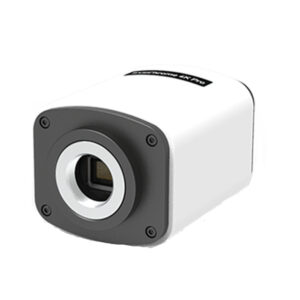
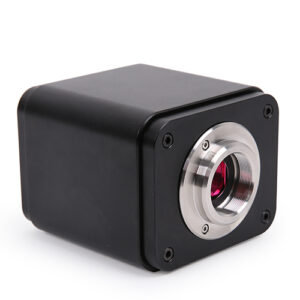
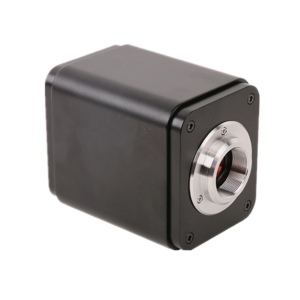
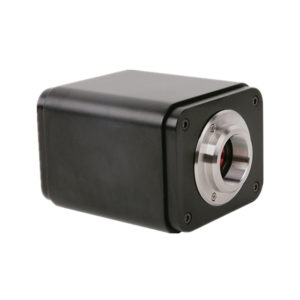
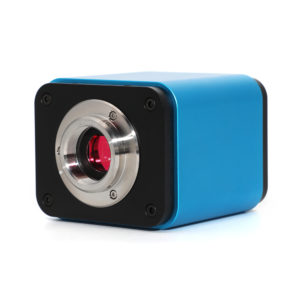
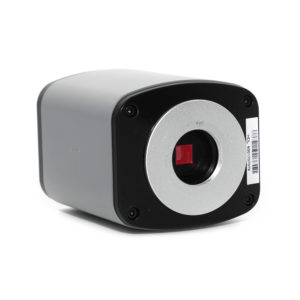
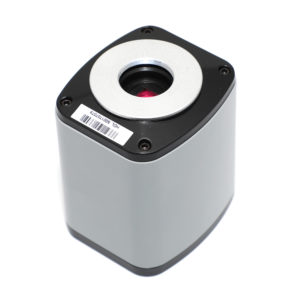
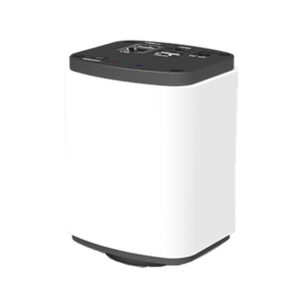
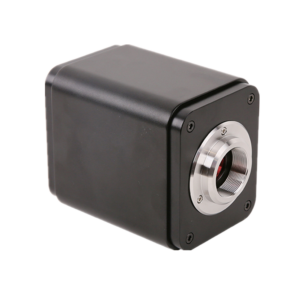
XCAM1080P2MPA HDMI+USB SONY CMOS Microscope Camera
Typical Inspection Applications
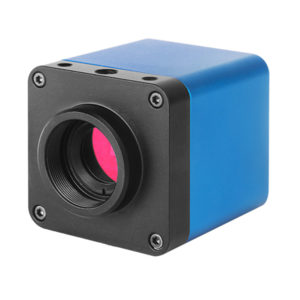
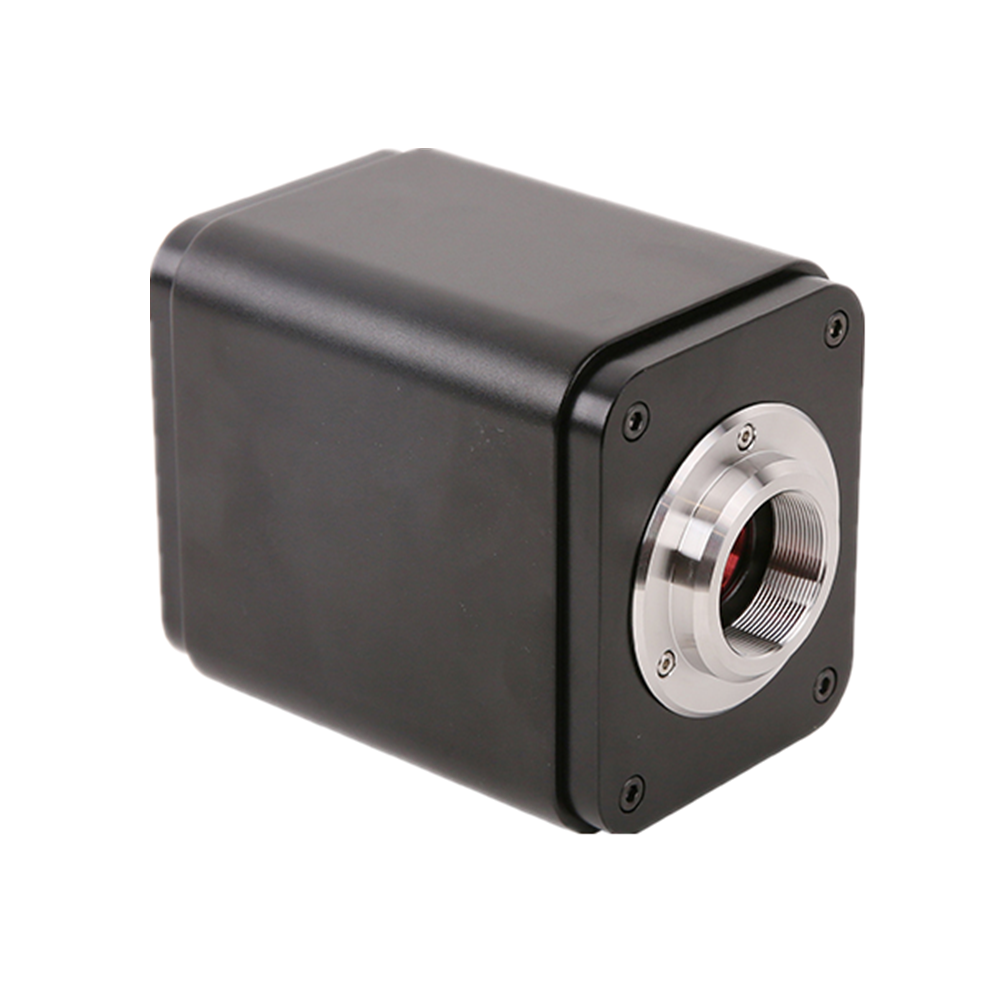
This C-Mount HDMI & USB CMOS microscope camera is widely used in industrial inspection and laboratory environments where stable imaging and flexible connectivity are required.
- PCB inspection: Used for solder joint inspection, component placement verification, and defect detection on printed circuit boards.
- Electronics manufacturing: Supports visual inspection during assembly and quality monitoring in production lines.
- Quality control: Suitable for defect analysis, measurement documentation, and visual inspection tasks.
- Laboratory imaging: Ideal for research imaging, teaching demonstrations, and documentation.
With both HDMI real-time output and USB capture support, this camera adapts to different inspection and imaging workflows efficiently.
HDMI vs USB Microscope Camera
When selecting a microscope camera, understanding the difference between HDMI and USB output is essential.
HDMI microscope cameras provide real-time image output directly to a monitor with no latency, making them ideal for industrial inspection, production lines, and long-time observation.
USB microscope cameras require a computer connection and are commonly used for image capture, analysis, and documentation. They are more suitable for laboratory and computer-based workflows.
This HDMI & USB dual-output camera combines the advantages of both interfaces, offering flexibility for professional inspection and imaging applications.
XCAM1080P Series Camera’s Datasheet
|
Order Code |
Sensor & Size(mm) |
Pixel(μm) |
G Sensitivity Dark Signal |
FPS/Resolution |
Binning |
Exposure(ms) |
|
XCAM1080P2MPA |
Sony IMX385(C) 1/2″(7.2×4.05) |
3.75×3.75 |
1175mv with 1/30s 0.15mv with 1/30s |
60@1920*1080(HDMI) 50@1920*1080(USB) |
1×1 |
0.04~1000 |
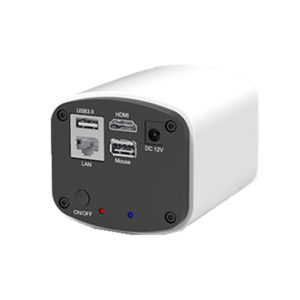
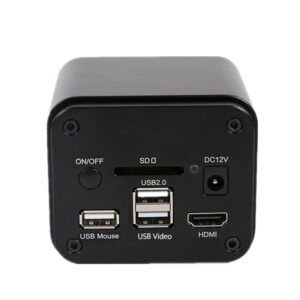
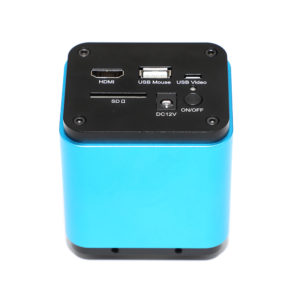
Available Ports on the Back of the Camera Body
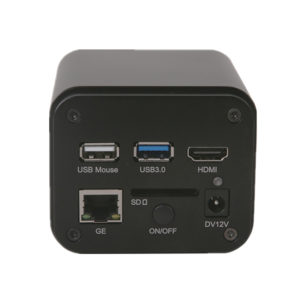
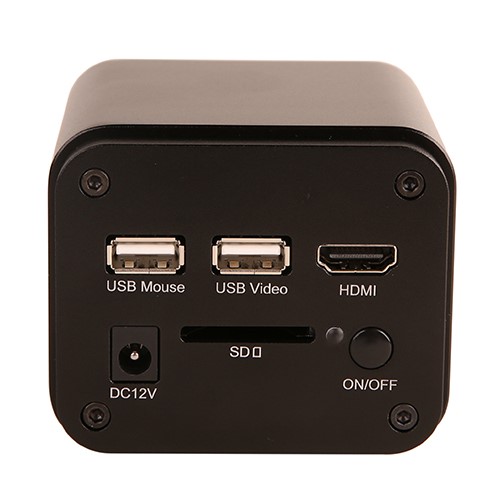
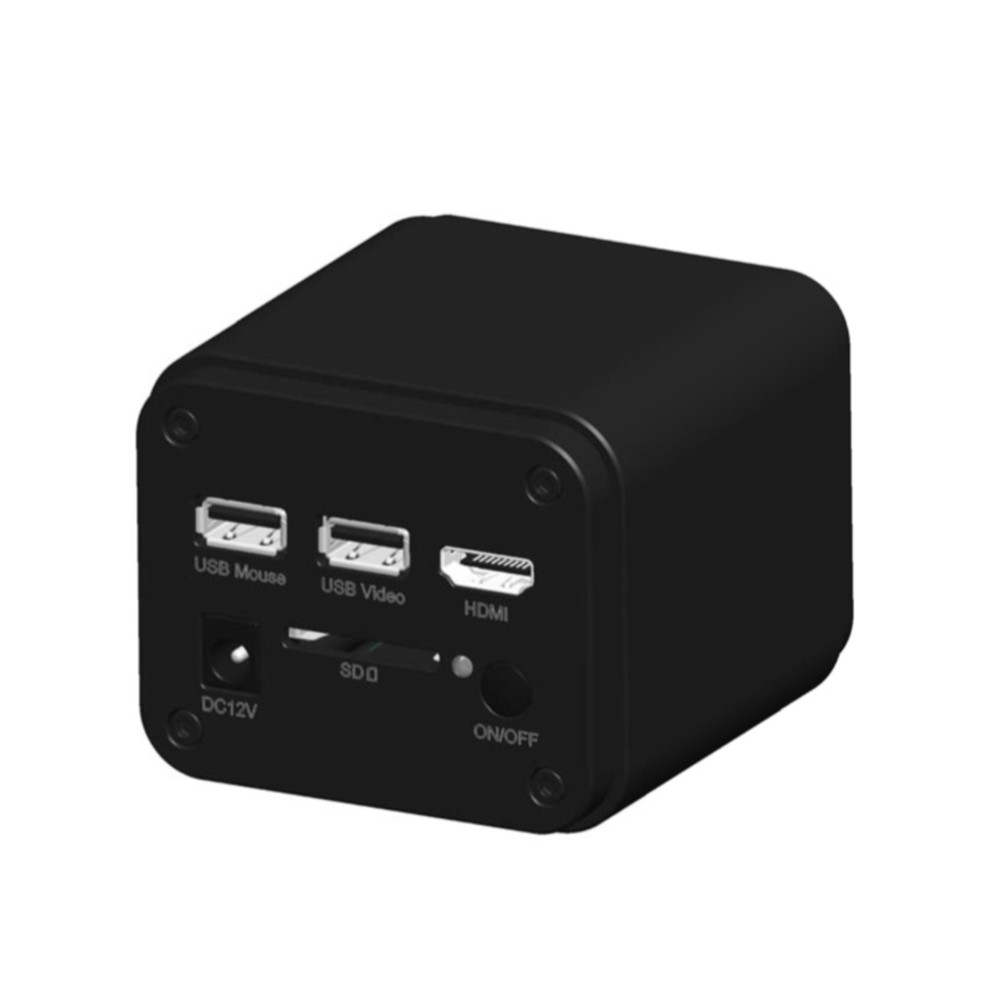
Figure3‑1Available Ports on the Back Panel of the Camera Body
|
Interface |
Function Description |
|
USB Mouse |
Connect USB mouse for easy operation with embedded XCamView software; |
|
USB Video |
Connect PC or other host device to realize video image transmission; |
|
HDMI |
Comply with HDMI1.4 standard. 1080P format video output for standard monitor; |
|
DC12V |
Power adapter connection (12V/1A); |
|
SD |
Comply with SDIO3.0 standard and SD card could be inserted for video and images storage; |
|
LED |
LED status indicator; |
|
ON/OFF |
Power switch; |
|
Video Output Interface |
Function Description |
|
HDMI Interface |
Comply with HDMI1.4 standard; 60fps@1080P; |
|
USB Video Interface |
Connecting USB port ofPC for video transfer ; MJPEG format video; |
|
Function Name |
Function Description |
|
Video Saving |
Video format:1920*1080 H264/H265 encoded MP4 file; Video saving frame rate:60fps(XCAM1080P2MPA/XCAM1080P8MPA) |
|
Image Capture |
2M (1920*2160, XCAM1080P2MPA) JPEG/TIFF image in SD card ; |
|
Measurement Saving |
Measurement information saved in layer mode with image content; Measurement information is saved together with image content in burn in mode. |
|
ISP Function |
Exposure(Automatic/ Manual Exposure) / Gain, White Balance(Manual / Automatic / ROI Mode), Sharpening, 3D Denoise, Saturation Adjustment, Contrast Adjustment, Brightness Adjustment, Gamma Adjustment, Color to Gray, 50HZ/60HZ Anti-flicker Function |
|
Image Operations |
Zoom In/Zoom Out, Mirror/Flip, Freeze, Cross Line, Overlay, Embedded Files Browser, Video Playback, Measurement Function |
|
Embedded RTC(Optional) |
To support accurate time on board |
|
Restore Factory Settings |
Restore camera parameters to its factory status |
|
Multiple Language Support |
English / Simplified Chinese / Traditional Chinese / Korean / Thai / French / German / Japanese / Italian / Russian |
|
Software EnvironmentunderUSB Video Output |
|
|
White Balance |
Auto White Balance |
|
Color Technique |
Ultra-Fine Color Engine |
|
Capture/Control SDK |
Windows/Linux/macOS/Android Multiple Platform SDK(Native C/C++, C#/VB.NET, Python, Java, DirectShow, Twain, etc) |
|
Recording System |
Still Picture or Movie |
|
Operating System |
Microsoft® Windows® XP / Vista / 7 / 8 / 8.1 /10(32 & 64 bit) OSx(Mac OS X) Linux |
|
PC Requirements |
CPU: Equal to Intel Core2 2.8GHz or Higher |
|
Memory: 4GB or More |
|
|
Ethernet Port: RJ45 Ethernet Port |
|
|
Display:19” or Larger |
|
|
CD-ROM |
|
|
Operating Environment |
|
|
Operating Temperature (in Centidegree) |
-10°~ 50° |
|
Storage Temperature (in Centidegree) |
-20°~ 60° |
|
Operating Humidity |
30~80%RH |
|
Storage Humidity |
10~60%RH |
|
Power Supply |
DC 12V/1A Adapter |
XCAM1080P Series Camera Packing Information(TBD)
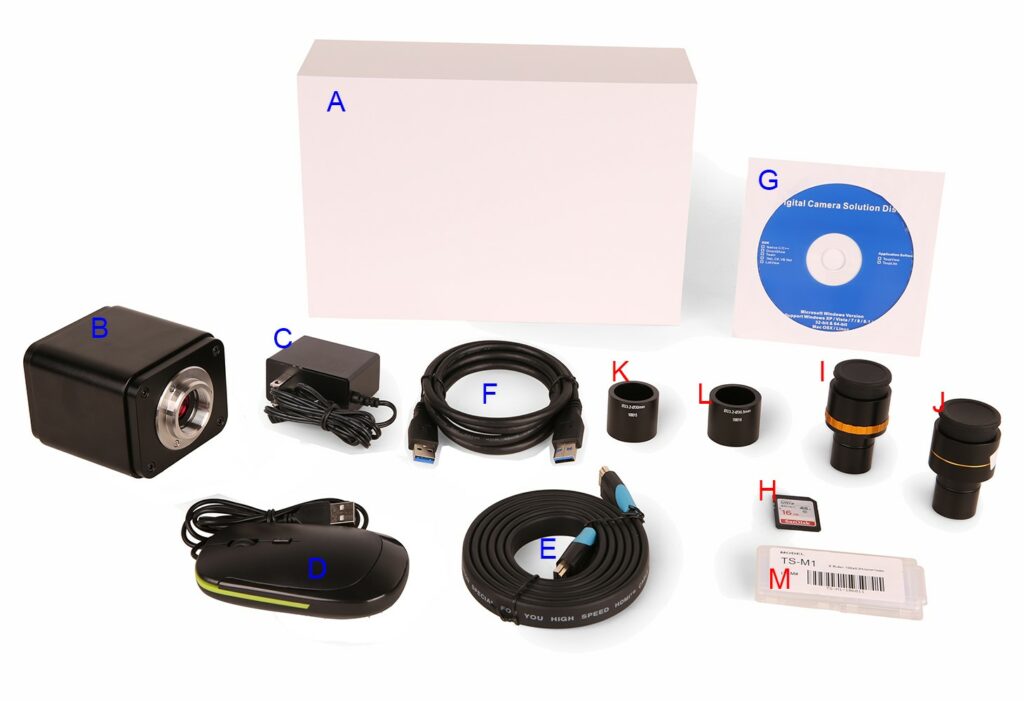
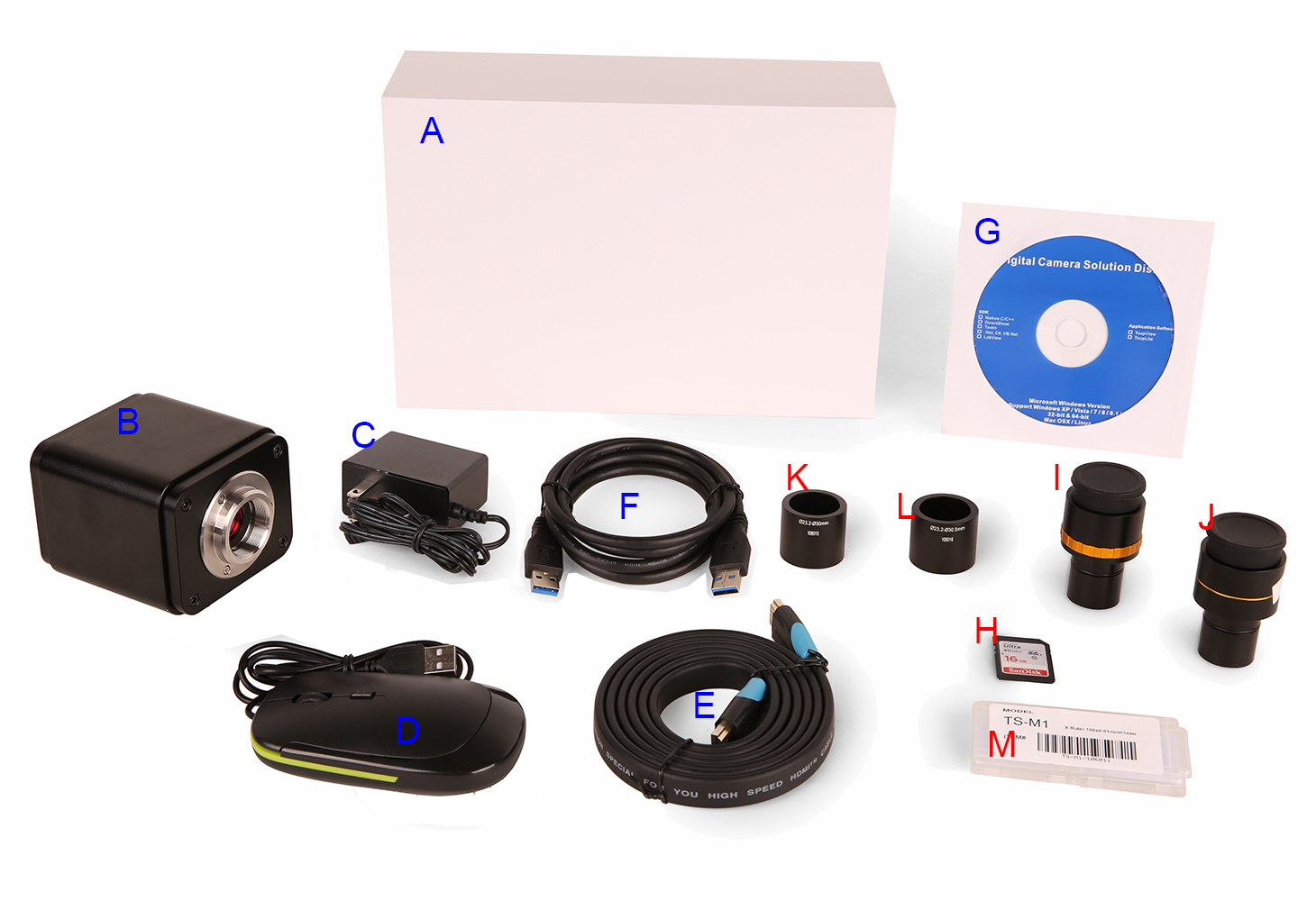
Figure5‑1 Camera Packing Information
|
Standard Packing List |
|||
|
A |
Gift box :L:25.5cm W:17.0cm H:9.0cm (1pcs,1.43kg/ box) |
||
|
B |
One XCAM1080P series camera |
||
|
C |
Power Adapter:Input: AC 100~240V 50Hz/60Hz, Output: DC 12V 1A American standard: Model: GS12U12-P1I 12W/12V/1A: UL/CUL/BSMI/CB/FCC EMI Standard:EN55022,EN61204-3, EN61000-3-2,-3, FCC Part 152 class B, BSMI CNS14338 EMS Standard:EN61000-4-2,3,4,5,6,8,11,EN61204-3,Class A Light Industry Standard |
||
|
European standard:Model:GS12E12-P1I 12W/12V/1A; TUV(GS)/CB/CE/ROHS EMI Standard:EN55022,EN61204-3, EN61000-3-2,-3, FCC Part 152 class B, BSMI CNS14338 EMS Standard:EN61000-4-2,3,4,5,6,8,11,EN61204-3,Class A Light Industry Standard |
|||
|
D |
USB Mouse |
||
|
E |
HDMI cable |
||
|
F |
USB2.0 A male to A male gold-plated connectors cable /2.0m |
||
|
G |
CD (Driver & utilities software, Ø12cm) |
||
|
Optional Accessory |
|||
|
H |
SD card(16G or above; Speed: class 10) |
||
|
I |
Adjustable lens adapter |
C-Mount to Dia.23.2mmeyepiece tube (Please choose 1 of them for your microscope) |
108001/AMA037 108002/AMA050 108003/AMA075 |
|
J |
Fixed lens adapter |
C-Mount to Dia.23.2mm eyepiece tube (Please choose 1 of them for your microscope) |
108005/FMA037 108006/FMA050 108007/FMA075 |
|
Note: For K andL optional items, please specify your camera type(C-mount, microscope camera or telescope camera),our engineer will help you to determine the right microscope or telescope camera adapter for your application; |
|||
|
K |
108015(Dia.23.2mm to 30.0mm Ring)/Adapter rings for 30mm eyepiece tube |
||
|
L |
108016(Dia.23.2mm to 30.5mm Ring)/ Adapter rings for 30.5mm eyepiece tube |
||
|
M |
Calibration kit |
106011/TS-M1(X=0.01mm/100Div.); 106012/TS-M2(X,Y=0.01mm/100Div.); 106013/TS-M7(X=0.01mm/100Div., 0.10mm/100Div.) |
|
Frequently Asked Questions
Q: Is this camera compatible with standard C-Mount microscopes?
A: Yes. The standard C-Mount interface ensures compatibility with most industrial and laboratory microscopes.
Q: Can the camera work without a computer?
A: Yes. HDMI output allows direct connection to a monitor for real-time viewing without a PC.
Q: Is this camera suitable for PCB inspection?
A: Yes. It is widely used for PCB inspection, electronics manufacturing, and quality control applications.
Q: Does the camera support long-term continuous operation?
A: Yes. It is designed for stable performance in industrial environments and supports long-time use.
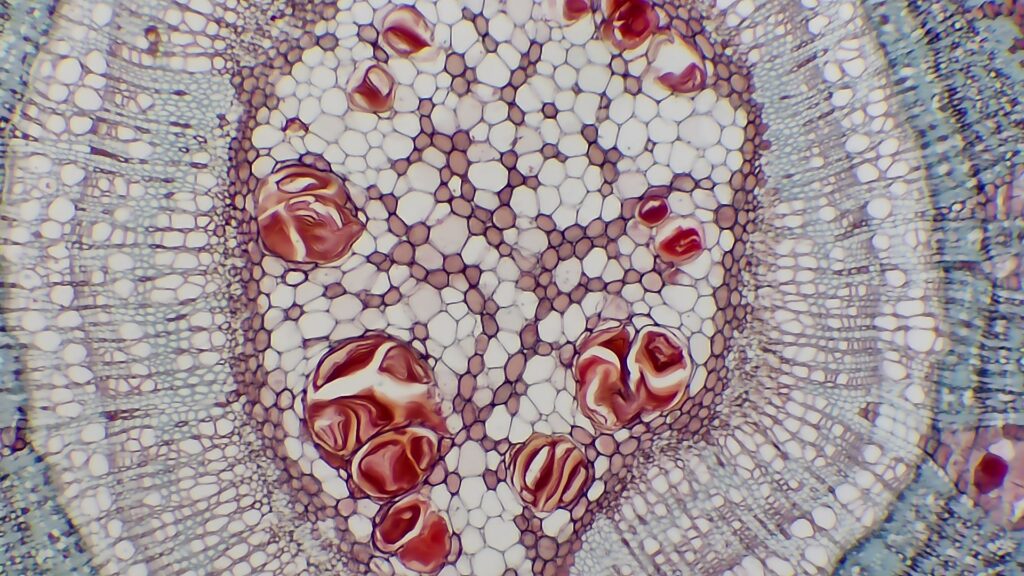
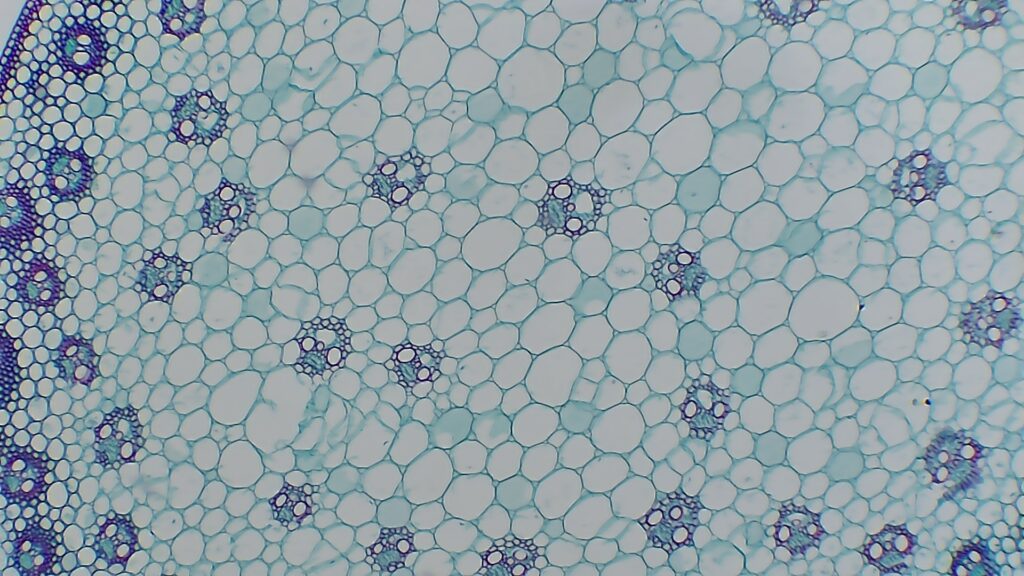
Sample Photos Captured with XCAM1080P Series Camera